Adding extra charges to Color Swatches allows you to charge add-on fees for premium finishes, custom dyes, or special materials.
Log in to your Shopify Admin, go to Apps > Optionia - Product Options, and select Option Sets.
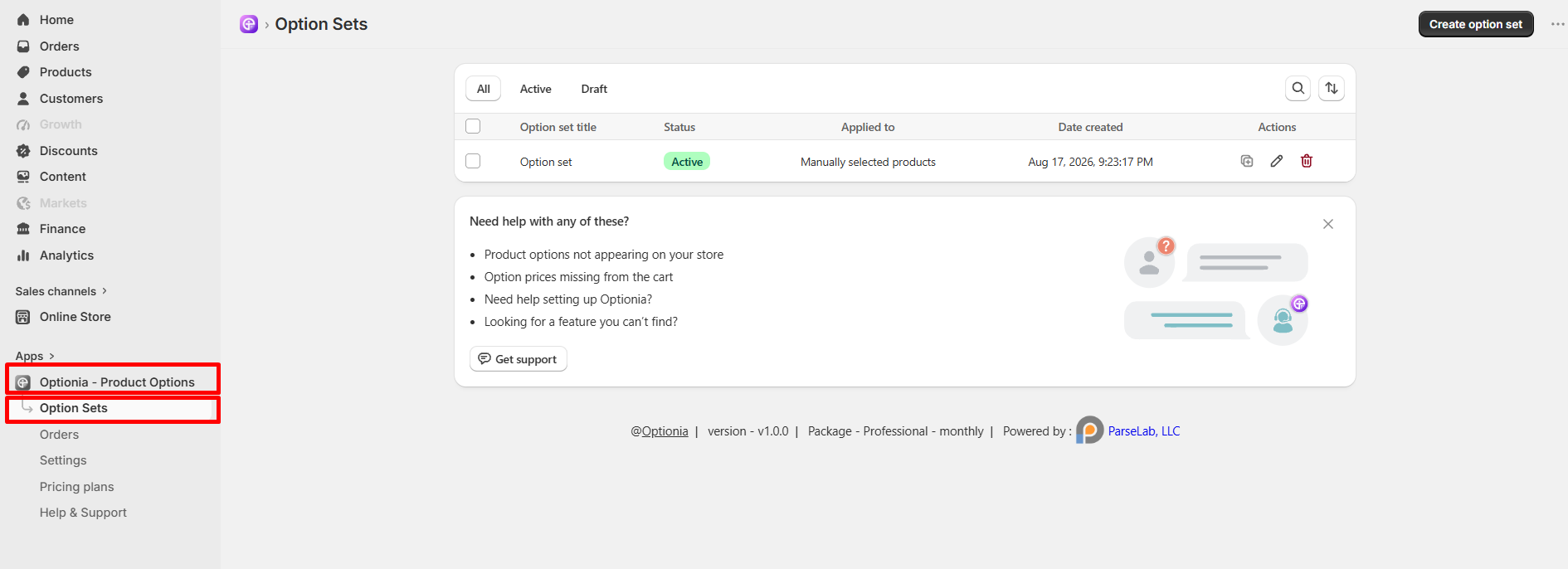
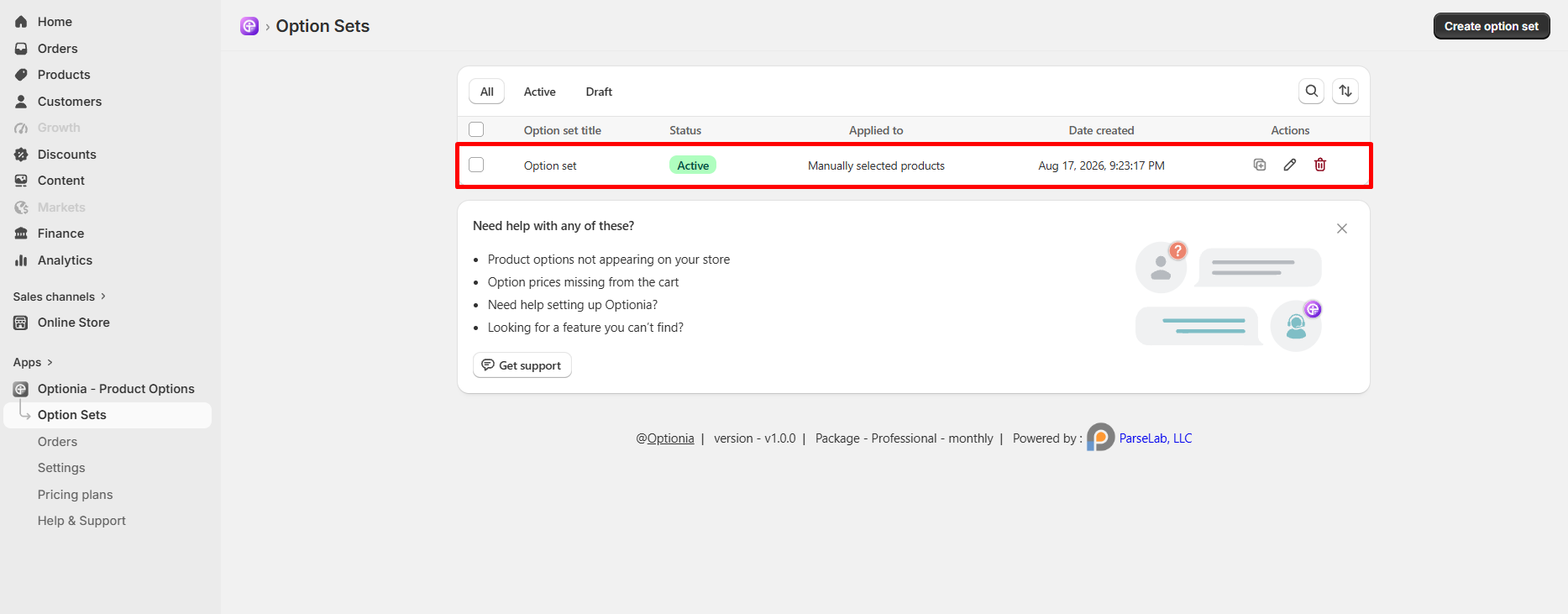
Click on an existing Option set to edit it, or click Create option set at the top right to make a new one.
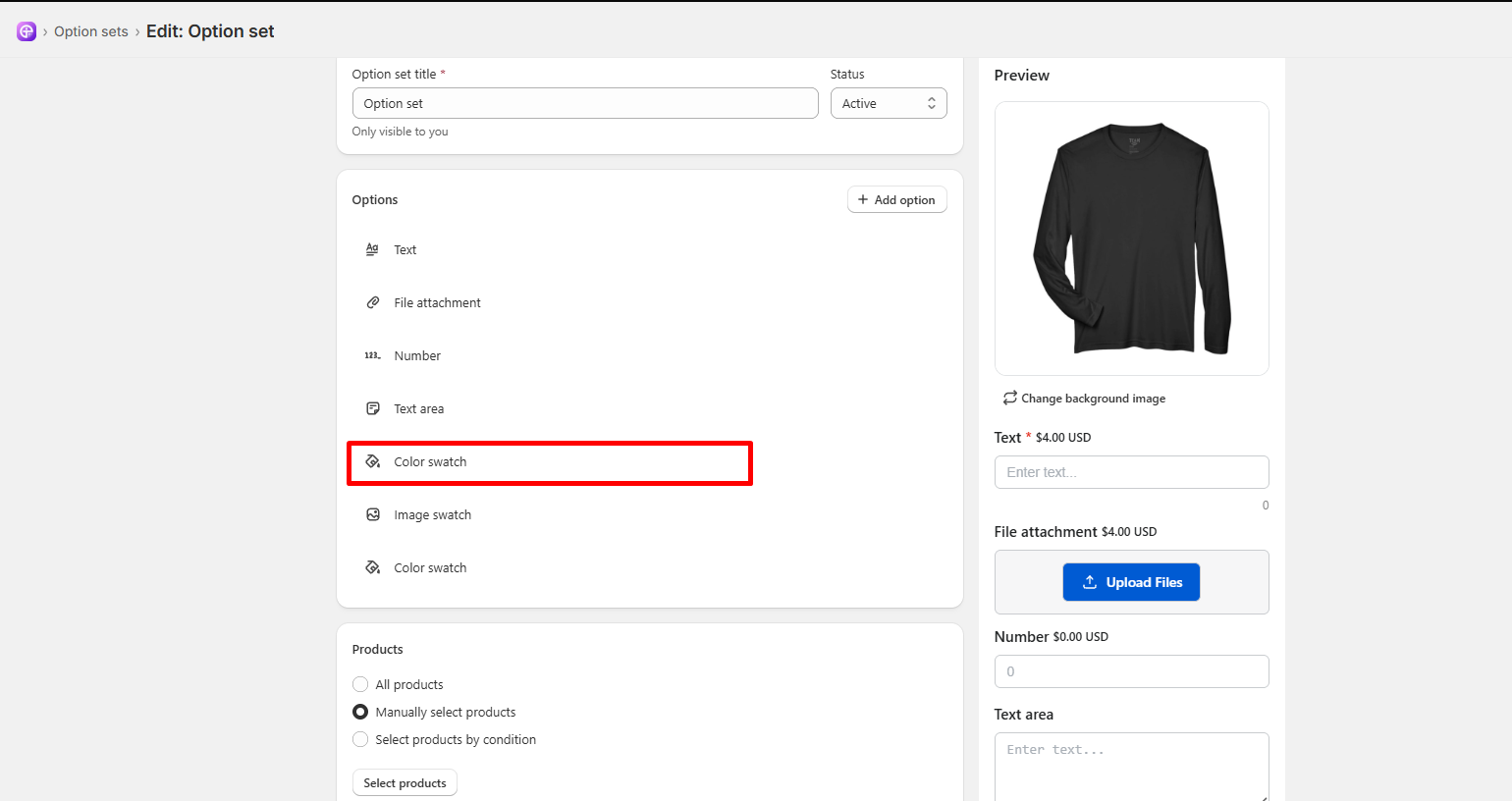
Under the Options section, click on your Color Swatch option (or click + Add option and choose Color Swatch).
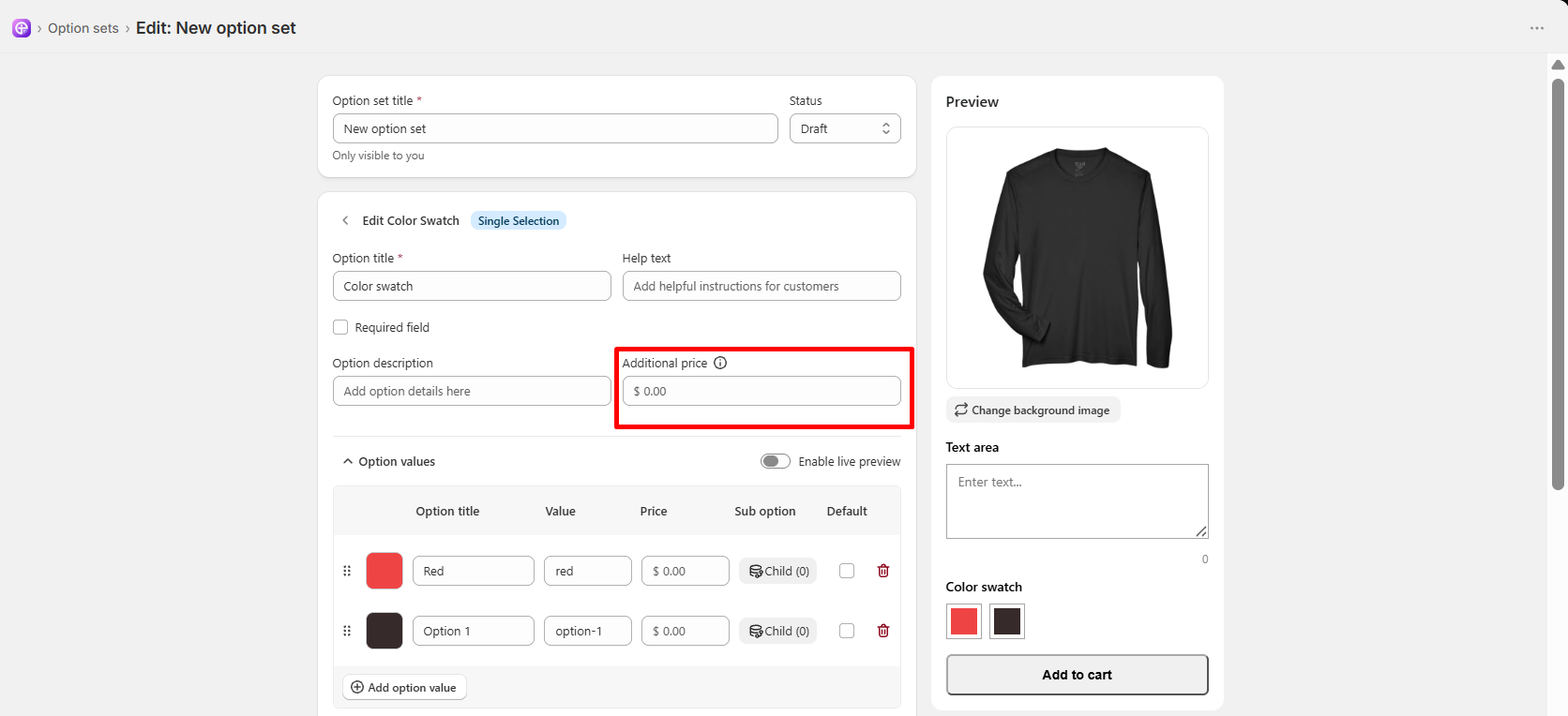
Flat Base Fee (Additional Price): Enter a fee in the Additional price box near the top to charge a flat cost whenever any color is picked (e.g., 3.00).
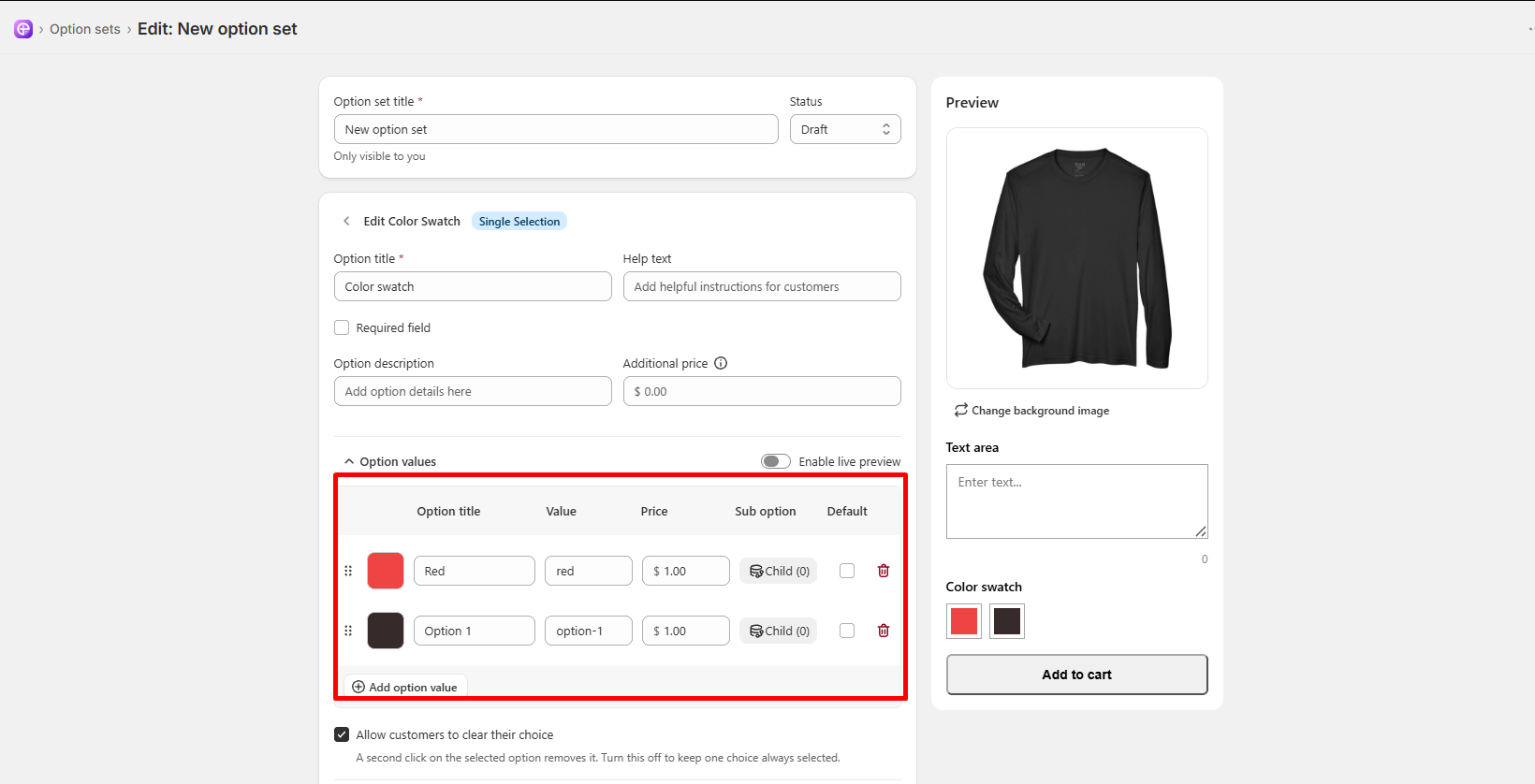
Price Per Color (Option Values): Scroll to the Option values table. Enter specific extra amounts in the Price column next to each color (e.g., 0.00 for standard colors, 2.00 for premium metallic colors).
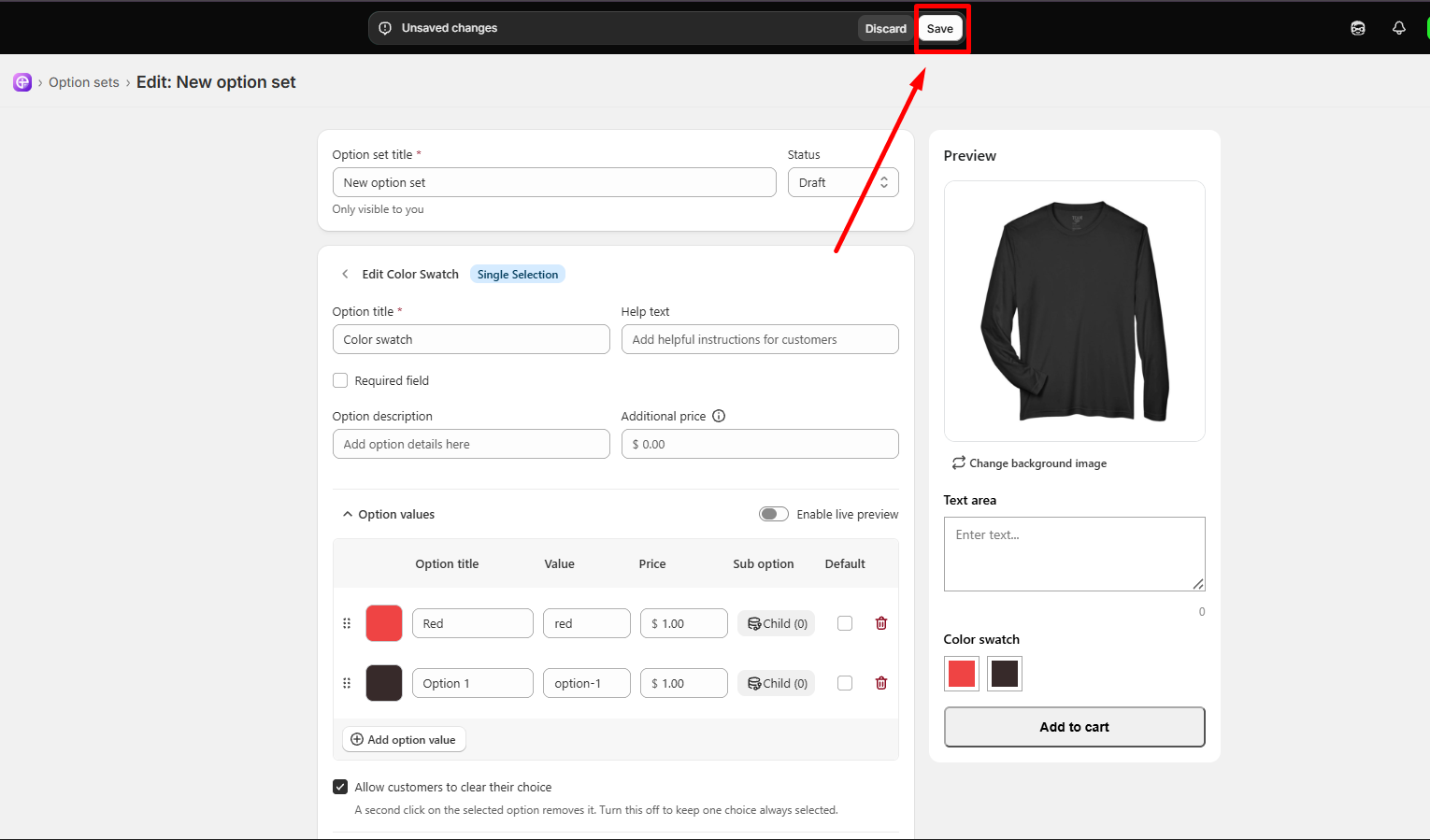
Click the white Save button in the top bar to apply the new pricing.
|
Note: The extra cost for any selected color swatch will automatically update the total price on your product page and inside the customer's cart! |
 Getting Started
 Option Sets
 Orders
 Settings
 Configuration
 Live Preview
 Packages
 Help & Support
 Price Add-Ons
 Conditional Logic
 Design Theme Styling
 Uninstallation