You can charge customers an extra fee when they enter custom numeric inputs on your product page (for example, choosing custom measurements, inches, or quantities).
Go to your Shopify Admin page. Click Apps, choose Optionia - Product Options, and click Option Sets.
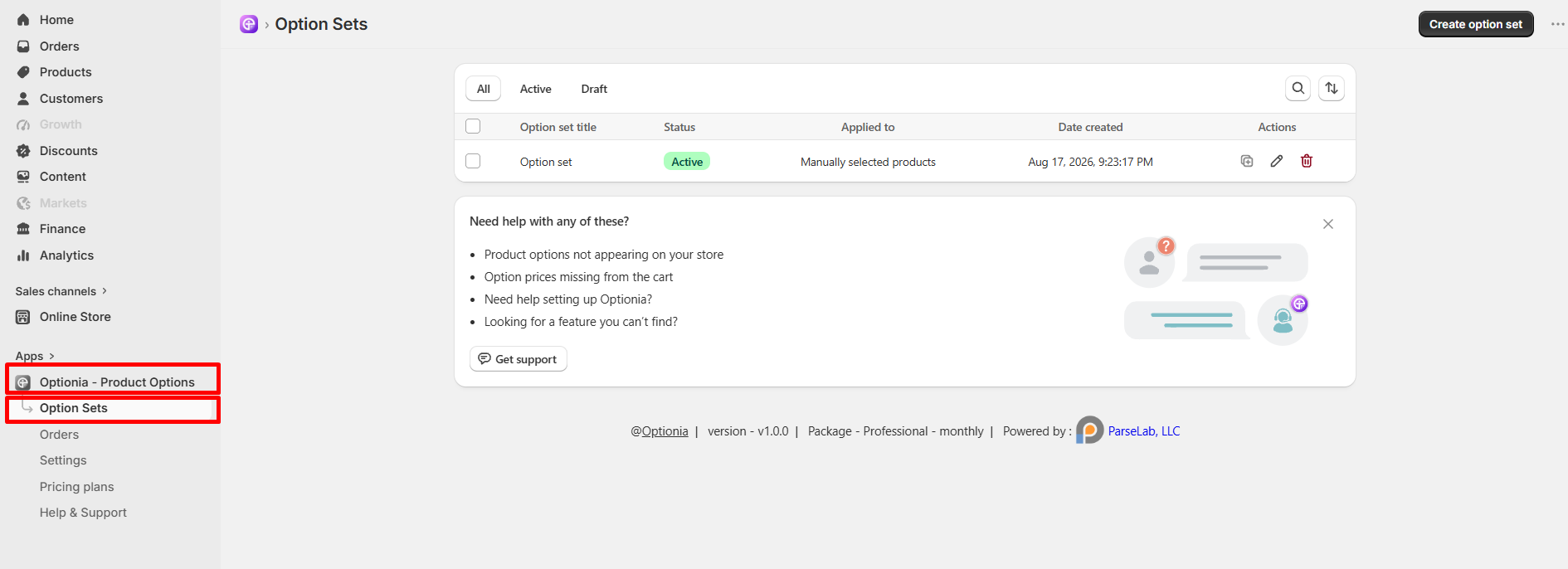
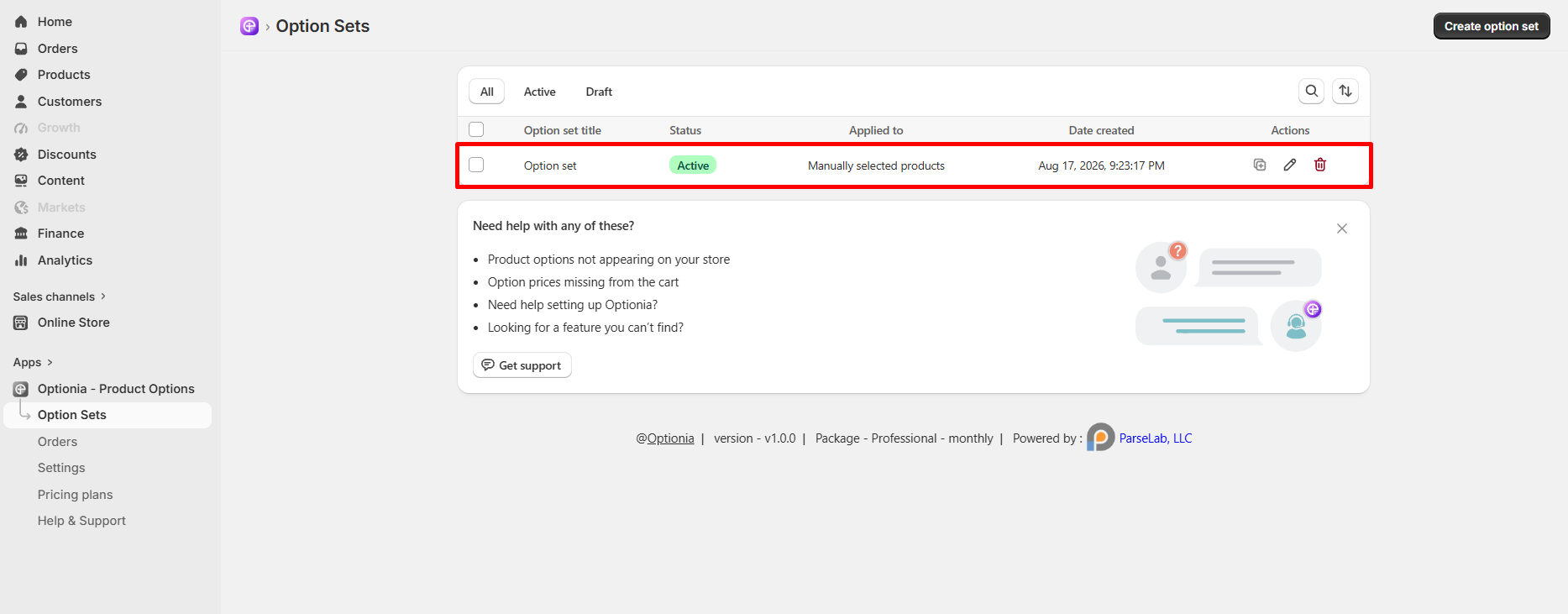
Click on the Option set you want to edit (or click Create option set to make a fresh one).
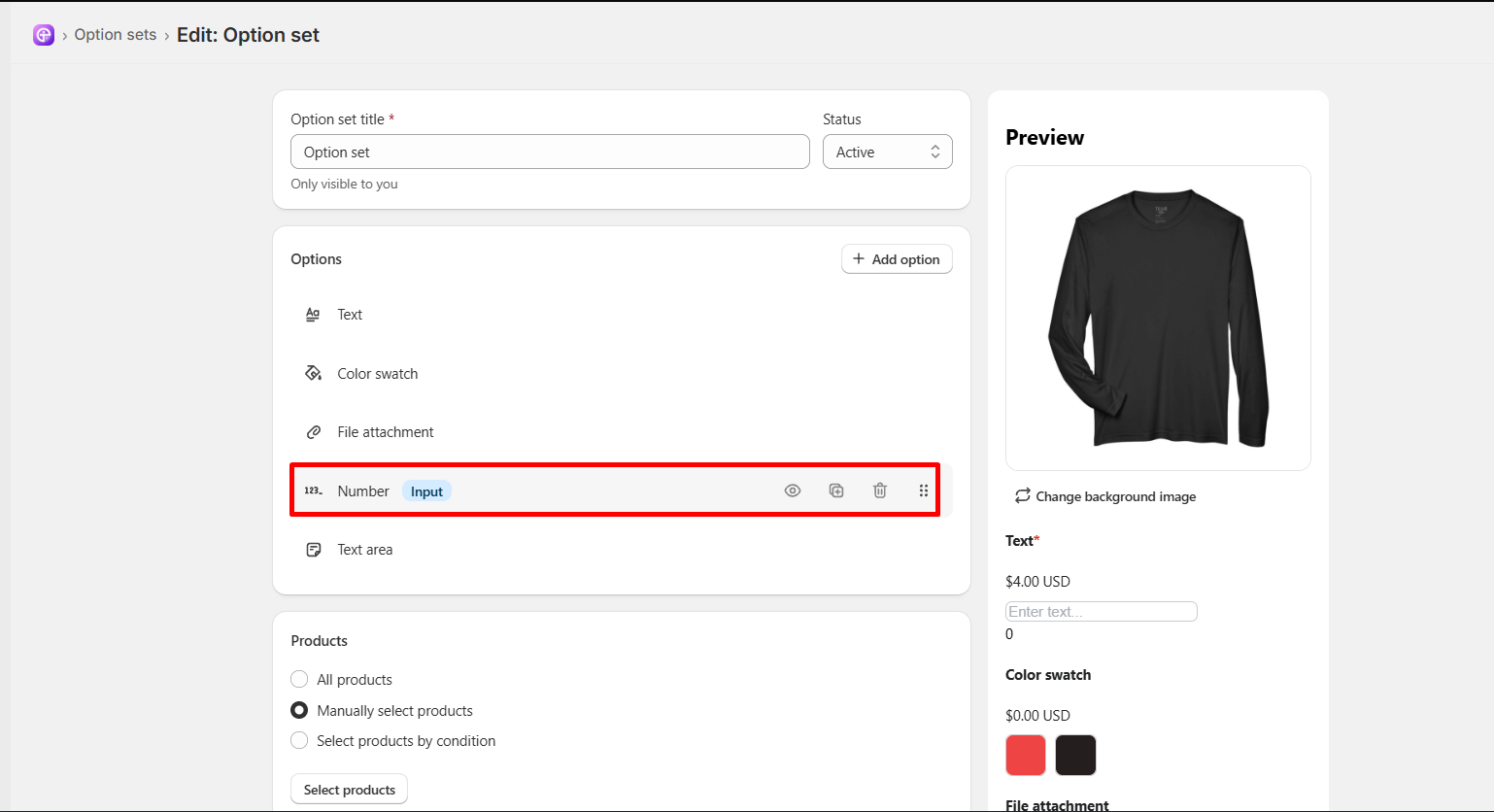
Under the Options section, click on an existing Number option to edit it (or click + Add option and select Number to create a new one).
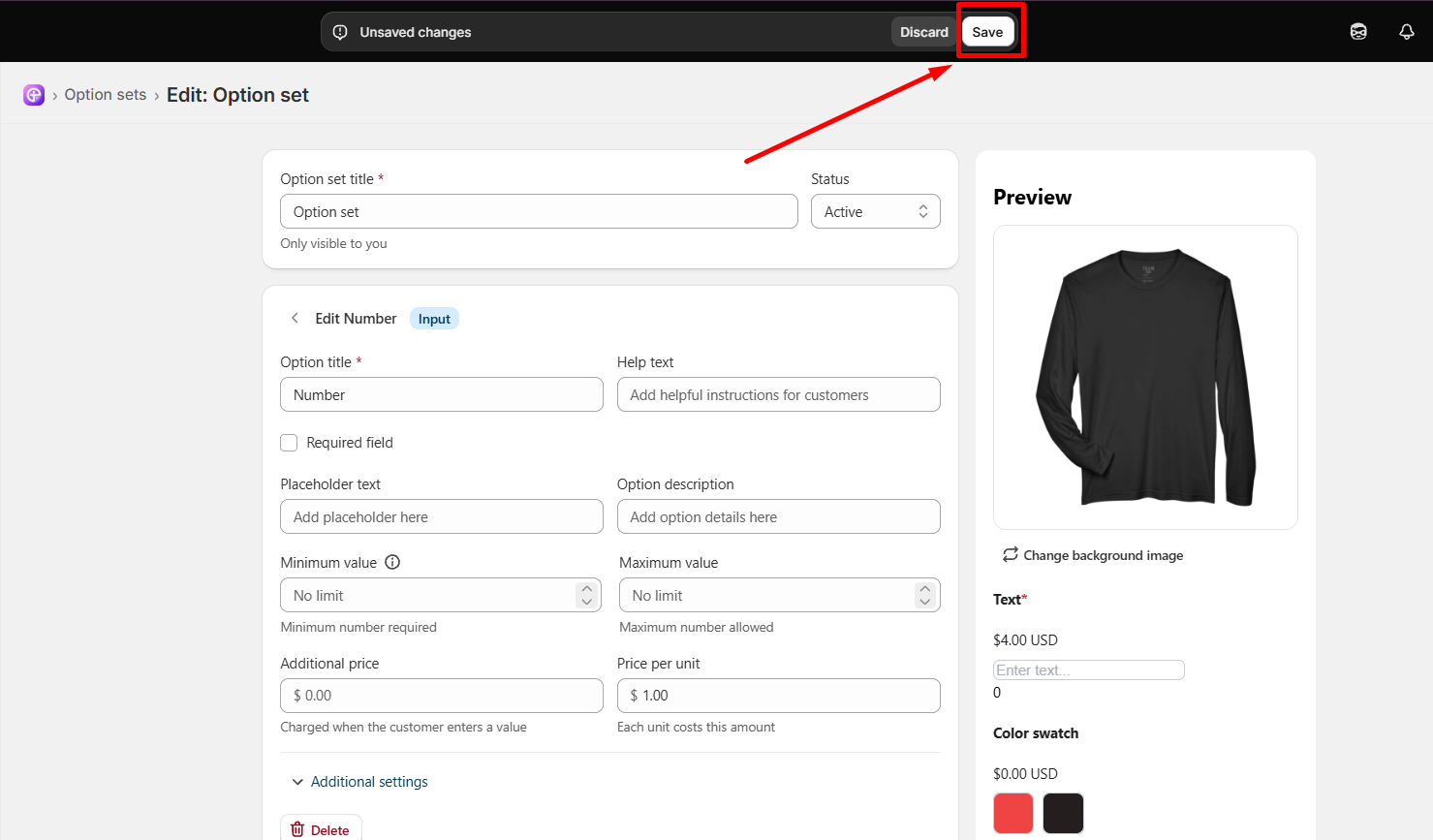
Scroll down to the price boxes:
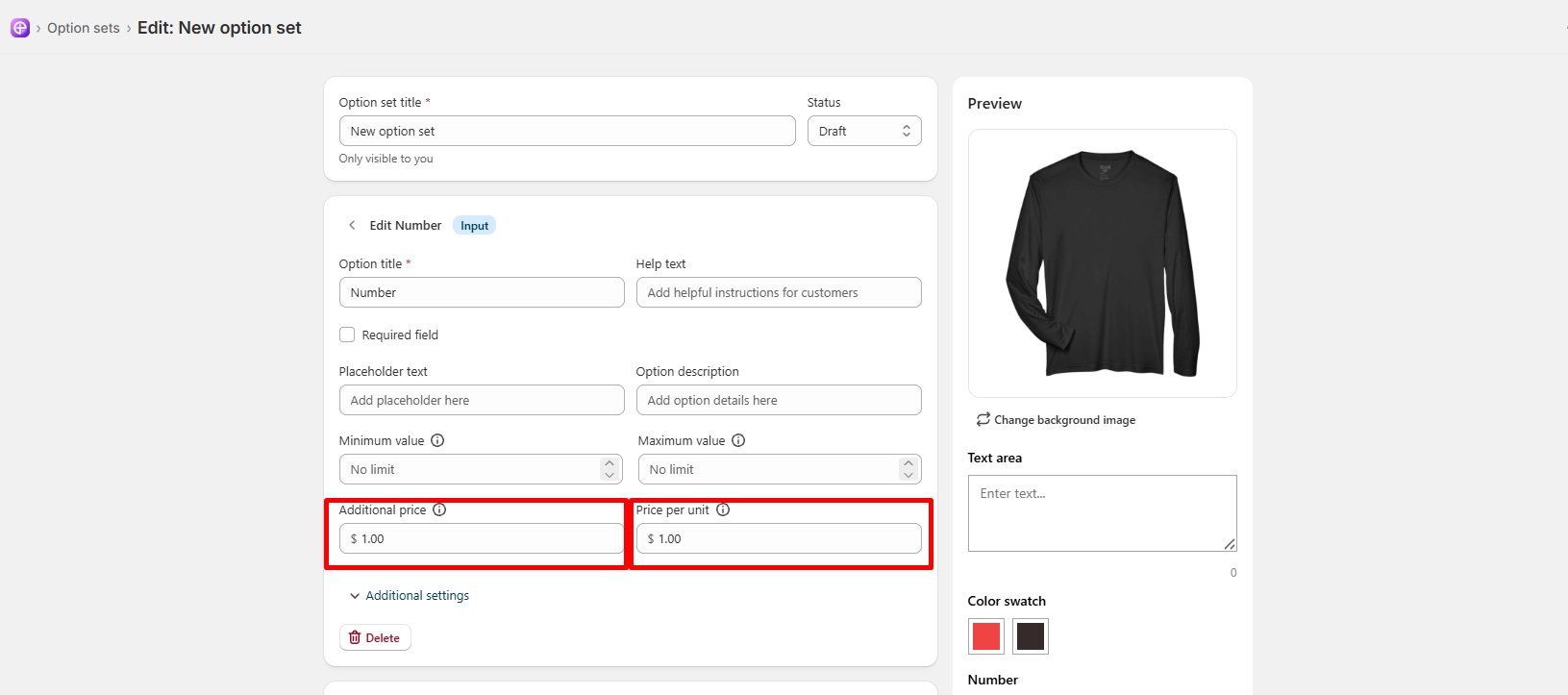
Additional price: Type a flat extra fee charged when a customer types any number (for example: 1 for $1.00).
Price per unit: Type a fee for each number entered (for example: if you set this to $2.00 and the customer types the number 5, it will add $10.00 extra).
Click the Save button in the top banner. You are all done!
|
Note: As soon as the customer types a number on the product page, the extra price will automatically add to their total! |
 Getting Started
 Option Sets
 Orders
 Settings
 Configuration
 Live Preview
 Packages
 Help & Support
 Price Add-Ons
 Conditional Logic
 Design Theme Styling
 Uninstallation